
Trainings & Workshops
Zur Entwicklung und Förderung von Daten- und Analysekompetenz in Unternehmen, biete ich aktuell folgende Training-Workshops an.
Eindrücke
Aus meinen Trainings

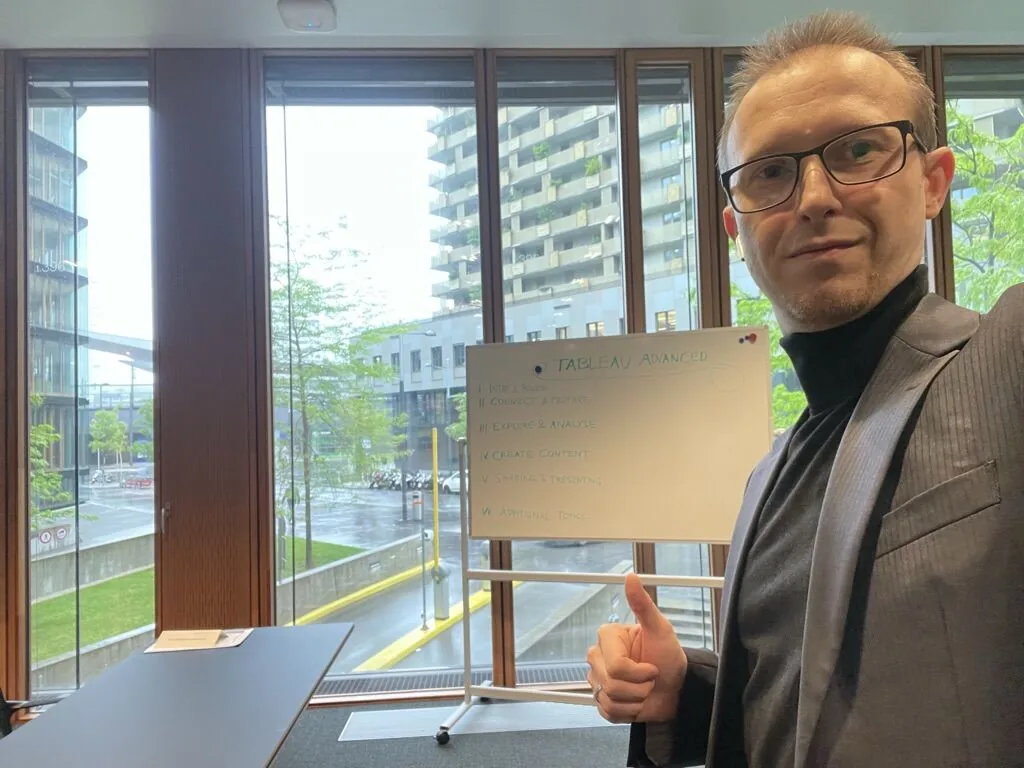
Bereit für das Training vor Ort am Standort des Kunden 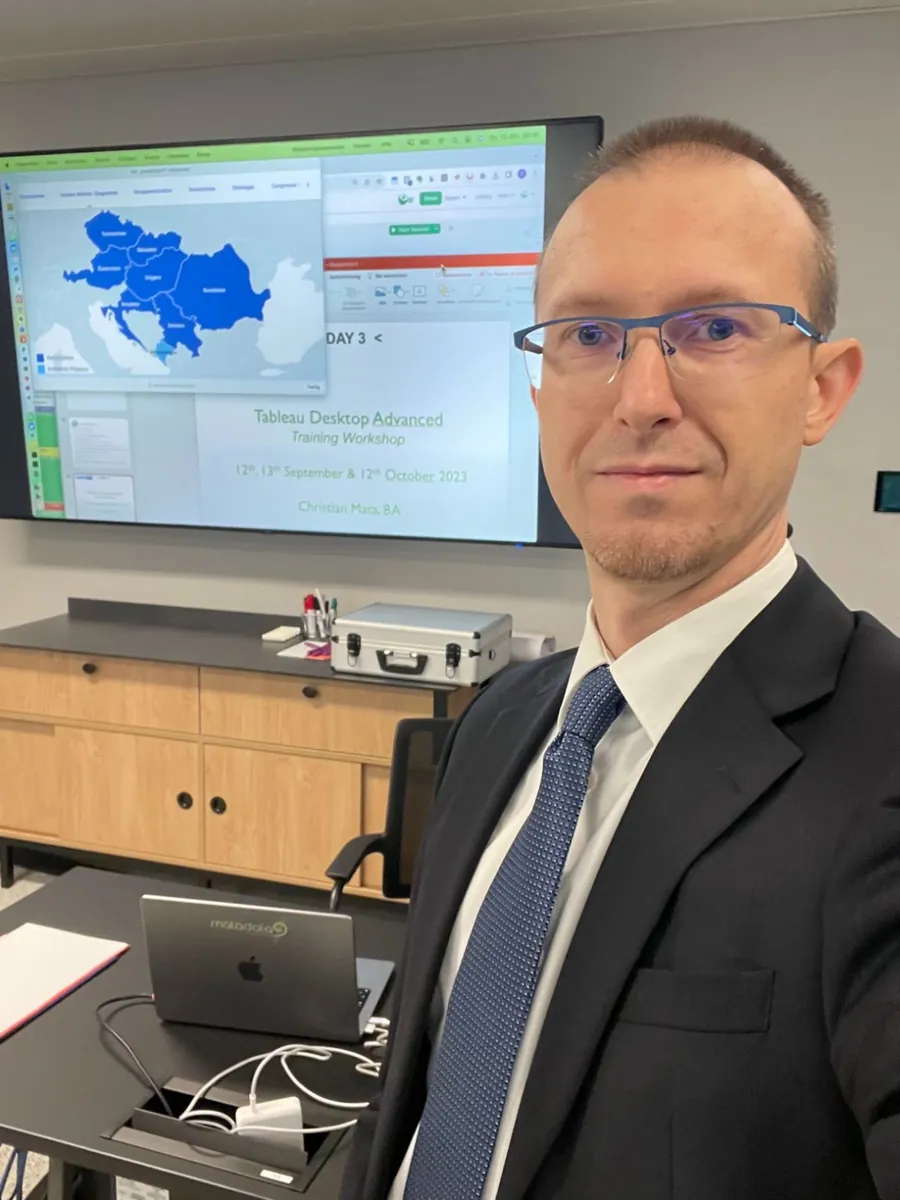
Tableau Advanced Training Workshop – Tag 3 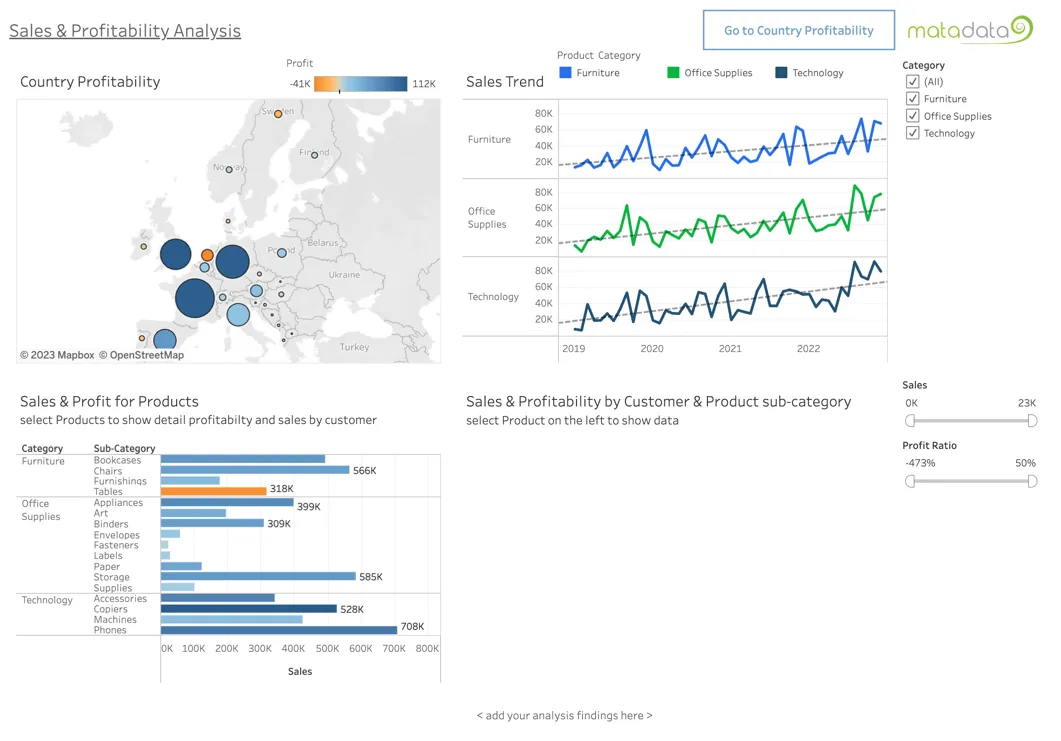
Example from a training workshop creating a Dashboard in Tableau. 
Zufrieden nach einem gelungenen Trainingstag 
Technical Session for DSC DACH Conference 2025
Level 1 · Einsteiger · 1 oder 2 Tage
Tableau Foundations Training
Hinweis zur Sprache: Die Trainingsinhalte und -unterlagen sind in englischer Sprache. Abgehalten wird das Training sowohl auf Englisch, als auch auf Deutsch.
Highlights auf einen Blick
- Dauer
- 1 oder 2 Tage
- Niveau
- Einsteiger
- Format
- Präsenztraining vor Ort, mit Trainer
- Methodik
- Hands-on-Übungen, Vortragselemente, Umfrage vorab – Workshop bei 2-Tages-Format mit eigenen Use-Cases
- Sprache
- Unterlagen Englisch · Abhaltung Deutsch oder Englisch
- Ziel
- Visuelle Datenanalyse mit Tableau Desktop – erste Reports, Dashboards & Stories
Agenda
- Visual Data Analysis
- Interacting with Reports
- Creating Reports
- Understanding Terminology
- Connecting to Data
- Creating Views
- Filtering and Sorting
- Calculations
- Create simple Dashboards
- Tableau Stories to present
Course description
The Tableau Desktop Foundations Training is a 1-day instructor-led training on site.
It includes hands-on exercises, as well as frontal lecture elements and a survey prior to the training.
Objectives
After finishing this course, the participants will be able to …
- understand and apply visual data analysis using Tableau Desktop.
- create basic reports, dashboards, and visualisations from prepared data sources.
- use filtering, sorting, and simple calculations to enhance data analysis.
- present data insights through dashboards and stories in Tableau.
Passt das Foundations Training für Ihr Team?
Foundations Training anfragenLevel 2 · Fortgeschrittene · 3 Tage
Tableau Advanced Training Workshop
Hinweis zur Sprache: Die Trainingsinhalte und -unterlagen sind in englischer Sprache. Abgehalten wird das Training sowohl auf Englisch, als auch auf Deutsch.
Highlights auf einen Blick
- Dauer
- 3 Tage in Folge oder aufgeteilt in zwei Teile (2 Tage + 1 Tag innerhalb von 6 Wochen)
- Niveau
- Fortgeschrittene
- Format
- Präsenztraining vor Ort, inkl. zwei Workshop-Modulen
- Praxis
- Arbeit mit eigenen Daten & Use Cases
- Sprache
- Unterlagen Englisch · Abhaltung Deutsch oder Englisch
- Ziel
- Kompetente Analysen sowie aussagekräftige Reports & Dashboards mit Tableau
Agenda
- Create your Data Sources
- Refined Dashboards
- Calculations Setup
- Hierarchies, Groups, Sets
- Parameter Usage
- Understand Filtering
- Analytics Functionality
- Build specific visualisations
- Distribute Reports and Dashboards
- Workshop – apply your data
Course description
The Tableau Desktop Advanced Training Workshop is a 3-day instructor-led training on site.
The training is typically delivered in two parts on-site but can also be arranged to be held on three consecutive days if required. The first part consists of two days, including the first workshop module, during which participants will work on their own datasets and use cases. The second part, with the third day of training, will take place within six weeks and will include another workshop module. This format allows participants to apply their new data skills to their own business data in the interim and to bring additional questions to the final training day and workshop.
Objectives
After finishing this course, the participants will be able to …
- understand the visual data analysis approach
- interact with reports created in Tableau
- use the tool Tableau Desktop to create first reports & dashboards
- understand Tableau’s terminology and file types
- connect to data to start discovering and analysing data
- create views to visualize data
- use filtering and sort options to enable fast data analysis
- enhance the selected data set with simple calculations
- create simple dashboards with the given data
- use stories to present the analysis
Passt der Advanced Training Workshop für Ihr Team?
Advanced Training Workshop anfragenAblauf
In drei Schritten zum Enablement Ihres Teams
-
Anfrage
Sie schreiben mir, welches Angebot für Sie passt, wer teilnimmt und mit welchem Vorwissen, und wann das Training bzw. der Workshop (vor Ort) stattfinden soll. Trainings bis 12 Personen, Workshops üblicherweise bis 8 Personen.
-
Abstimmung
In einem kurzen Gespräch klären wir Ziele, Inhalte und Rahmen. In einem Workshop-Teil kann die praxisnahe Nutzung mit eigenen Daten und Anwendungsfällen erfolgen.
-
Angebot & Termin
Sie erhalten ein Angebot. Die Trainingstermine vereinbaren wir gemeinsam – mit 6–8 Wochen Vorlauf zur beidseitigen Einplanung.
Typisches Setting: am Firmenstandort in geeigneten Räumlichkeiten, mit max. 12 Teilnehmer:innen für ein interaktives Lernumfeld.